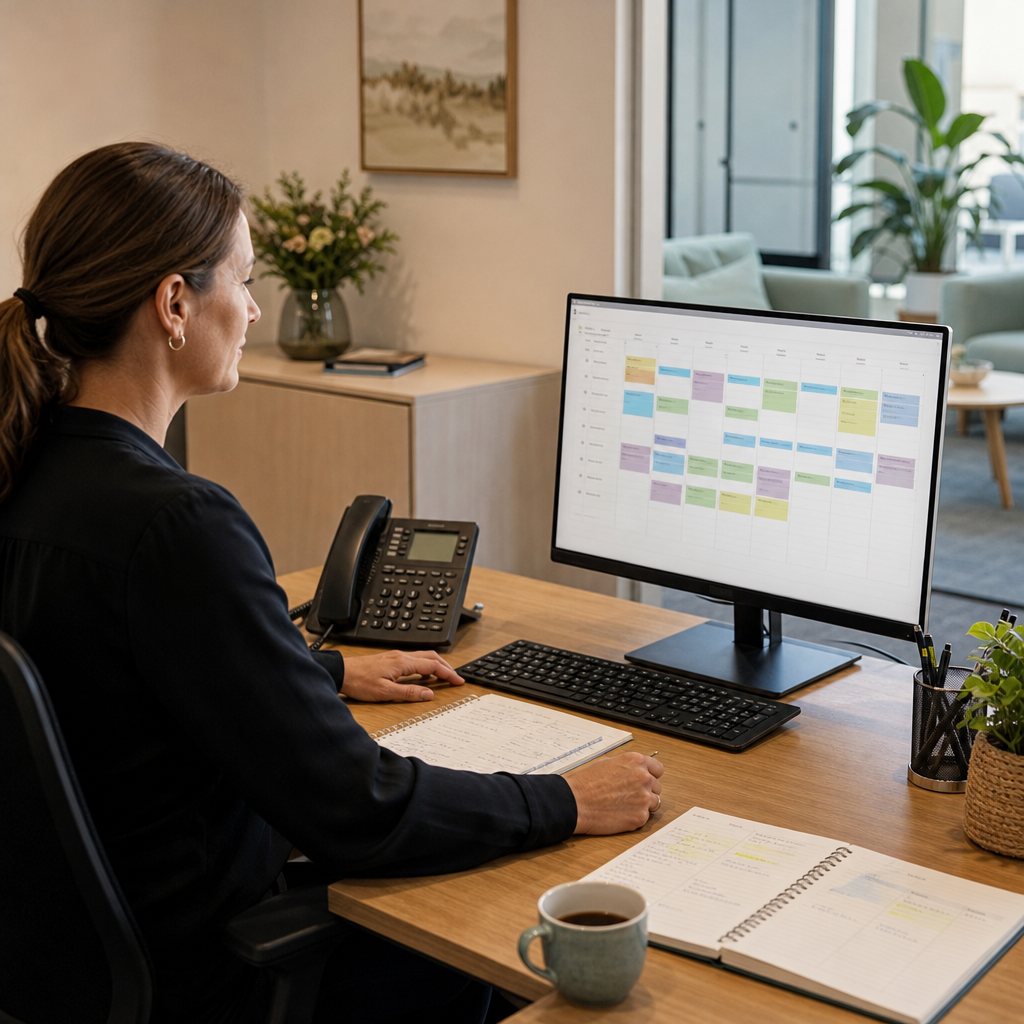
For a small consulting, design, legal support or advisory business, client meetings are often where important work is agreed. A client may approve a revised scope, request a document, ask for research or identify a decision that needs to be made before the next meeting.
The difficulty is not usually capturing the discussion. It is making sure every action is recorded, assigned and followed through.
In many professional services firms, meeting notes are stored in individual notebooks, Word documents or shared folders. Follow-up tasks may be sent by email, added to a personal calendar or remembered by the person who led the meeting. When several clients and projects are active at once, small gaps can quickly become missed actions, delayed deliverables or repeated requests for information.
A modest digital workflow can help the firm turn meeting outcomes into a reliable working record.
The current process
A typical process might look like this:
- A consultant meets with a client online or in person.
- Notes are taken in a document or notebook.
- After the meeting, the consultant emails colleagues with a summary.
- Actions are copied into a spreadsheet, calendar or task list.
- The client receives an update, sometimes several days later.
- The team checks emails and documents to work out what remains outstanding.
This may be manageable when the business has only a few clients. It becomes harder when meetings generate actions for several people, when responsibilities change or when a client asks for an update before the next scheduled discussion.
The problem is often a lack of shared visibility rather than a lack of effort. Staff may each be working from accurate information, but not from the same record.
A practical digital workflow
MDS could help design a lightweight meeting and action workflow around the firm’s existing way of working.
Before a meeting, the system could display the client’s current projects, outstanding actions, recent correspondence and documents that need discussion. Staff could use a simple meeting form to record decisions, risks, requests and follow-up items.
Each action could then include:
- A clear description
- The responsible team member
- A due date or review date
- The related client or project
- A status such as open, waiting, completed or cancelled
- Any supporting file or link
- A note showing whether the client needs an update
Once the meeting record is saved, the relevant team members could receive an internal notification. If a client update is required, the system could prepare a draft email or place the item in an approval queue rather than sending it automatically.
A dashboard could show actions due soon, overdue items, tasks waiting on the client and actions assigned to each team member. This gives an operations manager a practical view without requiring staff to search through every meeting note.
Suitable technology approach
The solution does not need to replace the firm’s email, calendar or document storage.
A small custom web application could provide the shared record and workflow. It could integrate with tools the business already uses, such as:
- Microsoft 365 or Google Workspace calendars
- Shared document storage
- Email notifications
- Online forms
- Existing accounting or practice software where relevant
For a smaller operation, the first version might focus only on meeting records, action tracking and reminders. Later improvements could include reusable meeting templates, client portals, reporting or automated document requests.
Automation should be selective. For example, the system could remind an owner when an action is approaching its due date, but avoid sending repeated reminders where the task is marked as waiting on the client. It could also flag incomplete meeting records before they are closed.
If meeting notes contain sensitive client information, access permissions and retention rules should be considered during design. The workflow should give people access to what they need without creating a new uncontrolled collection of documents.
Expected operational benefit
A well-designed workflow can help a professional services firm:
- Reduce actions lost in email threads
- Make responsibility visible
- Give managers a clearer view of overdue work
- Create a consistent record of client decisions
- Reduce repeated internal status questions
- Prepare more effectively for the next meeting
- Provide clients with more timely and consistent updates
The benefit is not simply having another task list. It is connecting the task to the client, project, decision and supporting information that gave rise to it.
That context can make follow-up easier for the person who owns the task and for another team member who needs to step in.
When this approach makes sense
This type of workflow is worth considering when a firm:
- Runs regular client meetings that generate multiple actions
- Has several staff sharing responsibility for client work
- Relies heavily on email and personal task lists
- Frequently receives “where is this up to?” questions
- Has difficulty preparing consistent meeting summaries
- Wants better visibility without adopting a large enterprise platform
It may not be necessary for a sole operator with a small number of uncomplicated clients. A shared template and disciplined calendar process may be enough. The right solution should match the firm’s volume, team structure and existing tools.
For a growing professional services business, however, meeting follow-up is a useful place to improve operations. MDS can help map the existing process, design a practical workflow and build or integrate the supporting digital tools without making the business replace everything it already uses.