For a small transport or delivery business, the work may appear straightforward: accept a booking, allocate a vehicle and driver, complete the delivery, then send the paperwork and invoice.
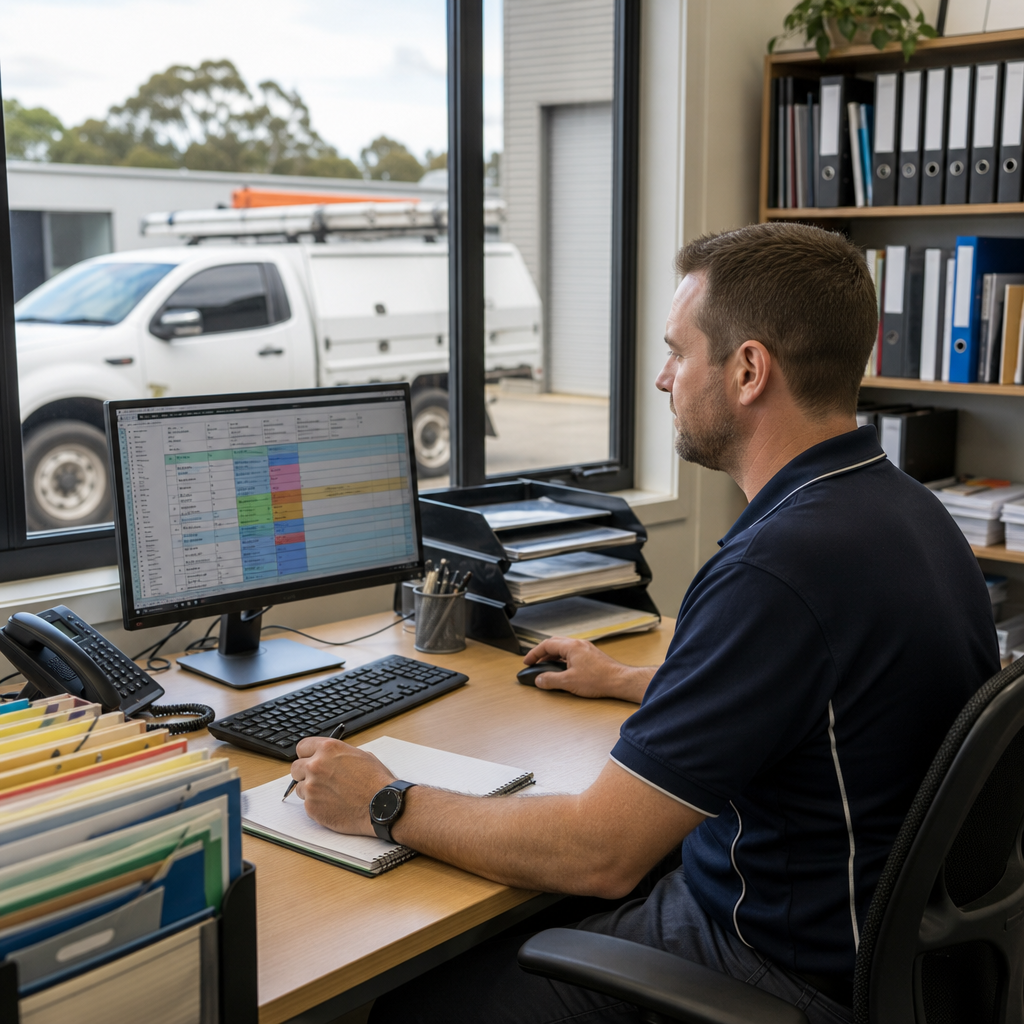
In practice, each job can create a trail of administration. Customer requests arrive by phone or email. Bookings may be recorded in a spreadsheet. Driver details sit in another file. Vehicle registration, inspection and insurance documents are stored in shared folders. Delivery dockets, fuel receipts and job notes may be photographed and sent by message.
As the business grows, this process becomes difficult to manage consistently. The issue is not necessarily a lack of effort. It is that important information is spread across too many places.
The business setting
Consider a small Victorian transport operator with several vehicles and a mix of regular commercial customers and one-off delivery requests.
The owner or operations manager may coordinate bookings, while drivers complete jobs across Melbourne and regional areas. Some customers require delivery confirmation, while others need signed paperwork, photos or specific reference numbers before an invoice can be issued.
The business may not need a large fleet management platform. It may, however, need a more reliable way to connect daily jobs with the people, vehicles and documents involved.
Where the current process becomes difficult
A typical booking process might look like this:
- A customer emails or calls with the delivery details.
- Staff enter the request into a spreadsheet or calendar.
- A driver is contacted by phone or message.
- Vehicle and job information is sent separately.
- The driver completes the delivery and returns paperwork later.
- Office staff search through messages and folders for proof of delivery.
- An invoice is prepared once the details are confirmed.
This creates several avoidable problems.
A booking can be missed or entered with incomplete information. A driver may receive an outdated address or loading instruction. Office staff may not know whether a delivery is complete. A signed docket can remain in a phone gallery or email attachment rather than in the customer’s job record.
Vehicle and driver documents create another layer of administration. Registration renewals, insurance certificates, inspections, licences and other records may have different expiry dates. If reminders depend on someone remembering to check a spreadsheet, follow-up can become inconsistent.
A practical digital workflow
MDS could help design a small operational system around the business’s existing process rather than forcing the operator into an oversized platform.
The workflow could include:
- A booking form for staff to capture customer, pickup, delivery, timing and freight details
- A job board showing new, allocated, in-progress and completed work
- Driver and vehicle records linked to each booking
- A mobile-friendly job view for drivers
- Uploads for delivery dockets, photos and notes
- Automatic notifications when a job is allocated or updated
- A document register for vehicle and driver records
- Reminders for upcoming expiry dates
- A completion check before the job is sent for invoicing
The system does not need to replace every existing tool. For example, a business might continue using email for customer communication and accounting software for invoices. The digital workflow can focus on creating one reliable operational record and passing the right information to the next step.
What the driver experience could look like
A driver should not need to navigate a complicated office system from the road.
After logging in or opening a secure job link, the driver could see:
- Pickup and delivery locations
- Contact details
- Booking references
- Access or loading instructions
- Required delivery time
- Special handling notes
- Customer or internal contact details
At the end of the job, the driver could mark the delivery as complete, add a short note and upload a signed docket or delivery photo. If something went wrong, such as a delayed pickup or damaged packaging, the driver could select an issue type and add supporting information.
This gives office staff a usable record without requiring them to retype handwritten notes or search through multiple message threads.
Connecting fleet records to the job process
A separate fleet document register can make recurring administration more visible.
Each vehicle record might include:
- Registration details
- Vehicle type and capacity
- Assigned driver information
- Insurance documents
- Inspection records
- Service notes
- Relevant expiry dates
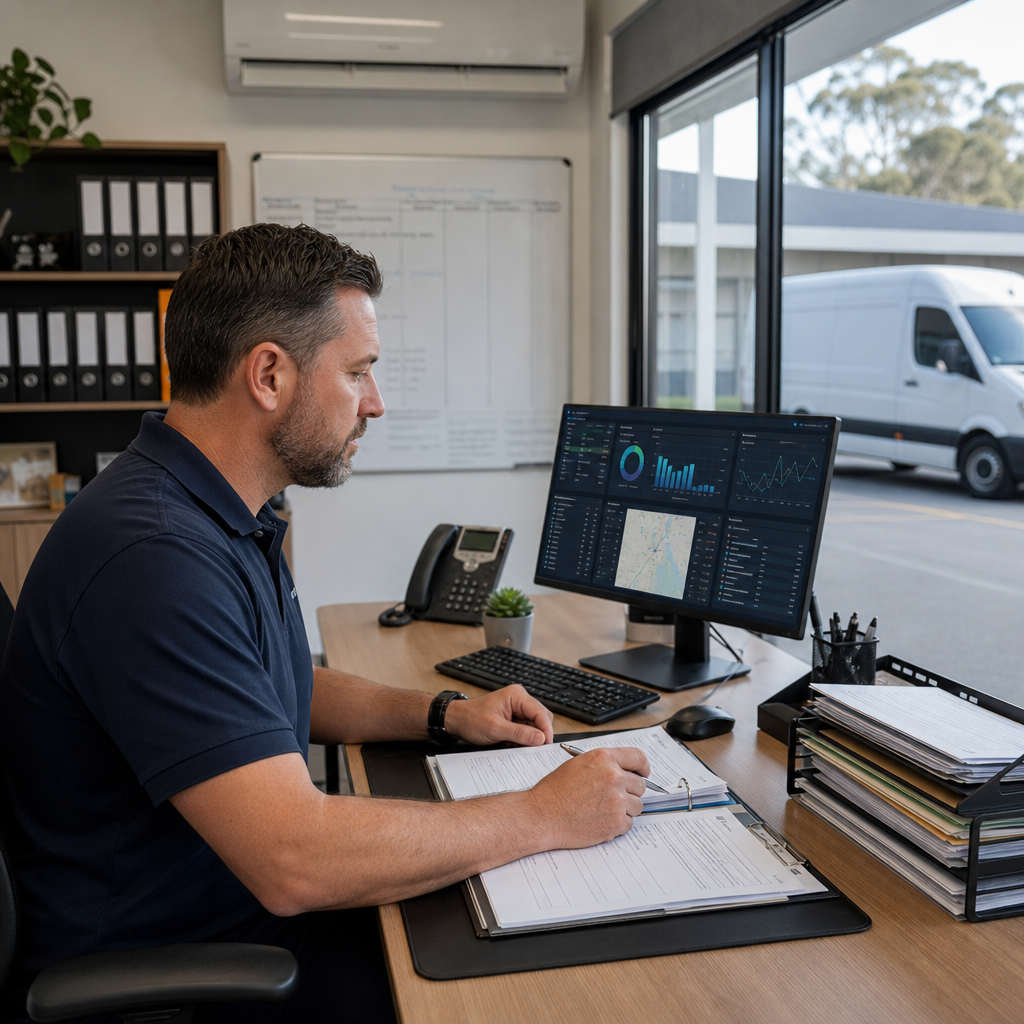
The system could display upcoming actions in a simple dashboard and send reminders to the appropriate person. It could also prevent a vehicle from being allocated when a required internal record is incomplete, depending on the business’s chosen rules.
These controls should be designed around the operator’s actual responsibilities and reviewed by the business. The system is there to support administration, not to make unsupported legal or compliance decisions.
A suitable technology approach
For many small operators, a browser-based application with a mobile-friendly interface would be practical. It could be hosted securely, with user access for office staff and drivers.
Possible components include:
- A custom web application for bookings, jobs and records
- A structured database for customers, drivers, vehicles and documents
- Email or SMS integrations for job notifications
- Cloud file storage for delivery records
- An integration with existing accounting software
- Automated reminders for internal review dates
- Application support and maintenance as the workflow develops
The first version could focus on booking capture, job allocation and proof of delivery. Fleet records and reporting could be added once the basic workflow is working reliably.
Expected operational benefit
A connected workflow can help a transport business:
- Reduce duplicate data entry
- Give staff a shared view of job status
- Make delivery records easier to find
- Reduce follow-up calls to drivers
- Identify incomplete jobs sooner
- Keep fleet documents organised
- Create a more consistent handoff to invoicing
- Produce clearer operational reports
The value comes from improving the handoffs between people, not from adding technology for its own sake.
When this approach makes sense
This type of solution may suit a transport business when:
- Bookings are spread across email, messages and spreadsheets
- The owner spends too much time checking job status
- Drivers regularly send paperwork through different channels
- Proof of delivery is difficult to locate
- Vehicle and driver reminders are managed manually
- Existing accounting software does not cover daily operations
A short discovery process can identify which records matter, who needs access and where the current process breaks down. Melbourne Digital Solutions can help map the workflow, build a practical digital solution, connect suitable tools and provide ongoing application support as the business changes.