Small property services businesses often manage a mix of recurring maintenance, one-off repairs and urgent requests. This may include strata maintenance, garden services, minor building repairs, safety checks or general property upkeep across multiple sites.
The work is usually organised with familiar tools: email, phone calls, shared spreadsheets, calendar reminders and folders of photos or invoices. These tools can be useful when the business is small, but problems appear as the number of properties, contractors and recurring tasks increases.
A maintenance request might arrive by email, while a follow-up date is written in a spreadsheet. A contractor may send a photo by text message, and the invoice may arrive separately. Staff then need to remember which work is complete, which job is waiting for approval and which property needs attention next month.
The problem is not necessarily a lack of effort. It is that important information is spread across too many places.
Where the process starts to break down
A property services team may have a regular process for each site:
- Review the property’s maintenance schedule.
- Identify upcoming inspections or recurring tasks.
- Contact a contractor or allocate internal staff.
- Confirm access arrangements.
- Record the work completed.
- Store photos, notes and invoices.
- Notify the property owner, manager or tenant.
- Set the next follow-up date.
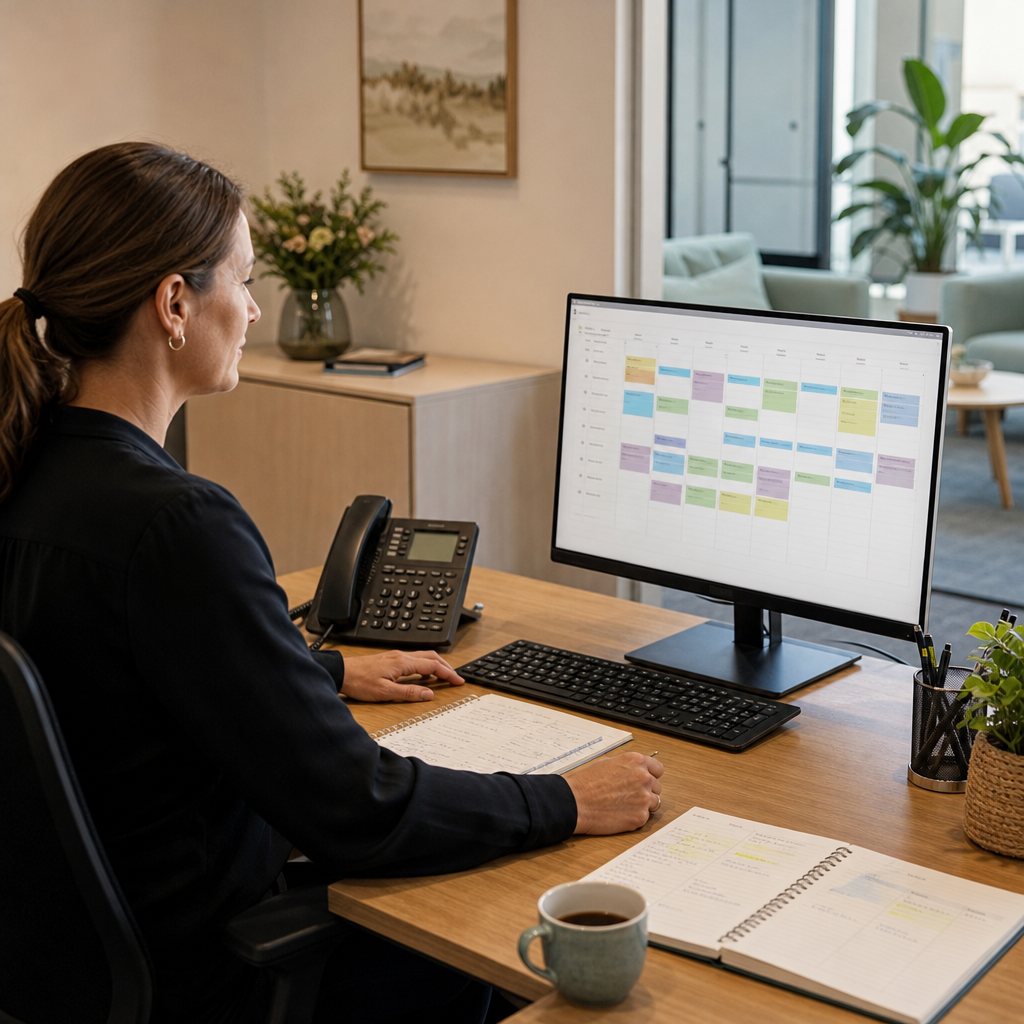
When each step is handled manually, small gaps become common. A reminder may be missed because it was recorded in a personal calendar. A contractor may not know that access arrangements have changed. The office may spend time searching through email to confirm whether a repair was completed.
These issues can lead to avoidable administration, delayed communication and uncertainty about the current status of a property.
A practical maintenance workflow
MDS could build a lightweight maintenance management workflow around the way the business already operates.
The system could provide a central record for each property, including:
- Property address and contact details
- Service type and recurring frequency
- Access instructions
- Preferred contractors or staff
- Open maintenance requests
- Completed work and supporting photos
- Quotes, approvals and invoices
- Next scheduled review date
New requests could be entered through a simple internal form or a website form for authorised customers and property managers. Each request would receive a status such as “new”, “awaiting quote”, “approved”, “scheduled”, “in progress” or “completed”.
The aim is not to create a complicated property management platform. It is to give the team one reliable place to see what needs attention and what has already happened.
Making recurring work easier to manage
Recurring maintenance is a good candidate for automation because the timing is predictable.
For example, the system could create a task automatically for a quarterly inspection or a scheduled garden service. Before the due date, the office could receive a reminder. Once the task is assigned, the contractor could receive the relevant property details and access notes.
After the visit, the contractor or staff member could complete a mobile form with:
- Work completed
- Issues found
- Materials used
- Photos
- Recommended follow-up
- Whether another visit is required
If a problem is identified, the system could create a related follow-up task rather than leaving the issue buried in a note or email. The office team could then decide whether to request a quote, seek approval or schedule the work directly.
This creates a clear link between the original inspection and the resulting action.
Integrations that may be useful
The right integrations would depend on the business’s existing tools. A realistic solution might connect the workflow with:
- Email for customer and contractor notifications
- Calendar services for scheduled work
- Accounting software for invoice or customer information
- Cloud storage for photos and documents
- Website forms for maintenance requests
- SMS services for appointment reminders
These connections should be selected carefully. Integrating every available system can create additional maintenance work. In many cases, a small number of reliable connections will provide more value than a large technical project.
For example, the first stage might focus only on centralising maintenance requests and recurring tasks. Accounting integration could be added later if the team still needs to copy customer or invoice information manually.
Reporting without building a large system
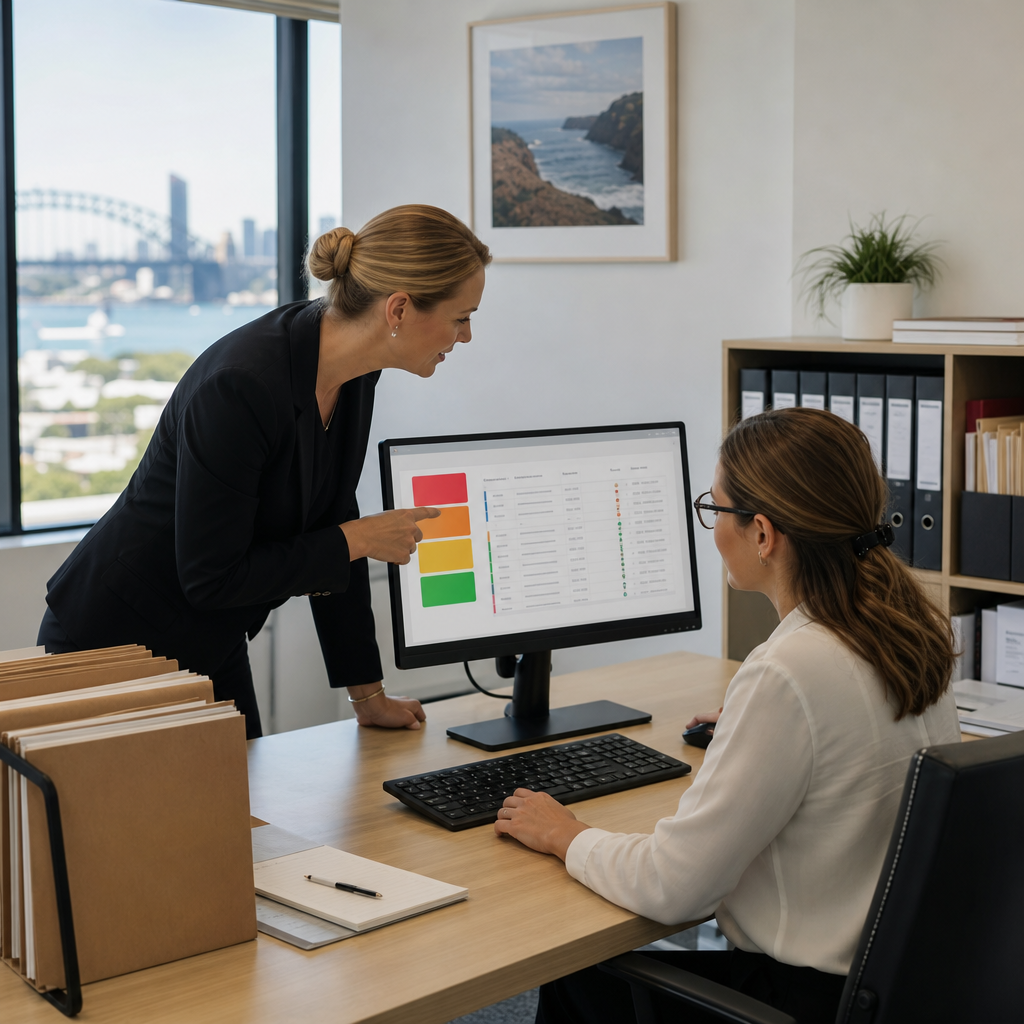
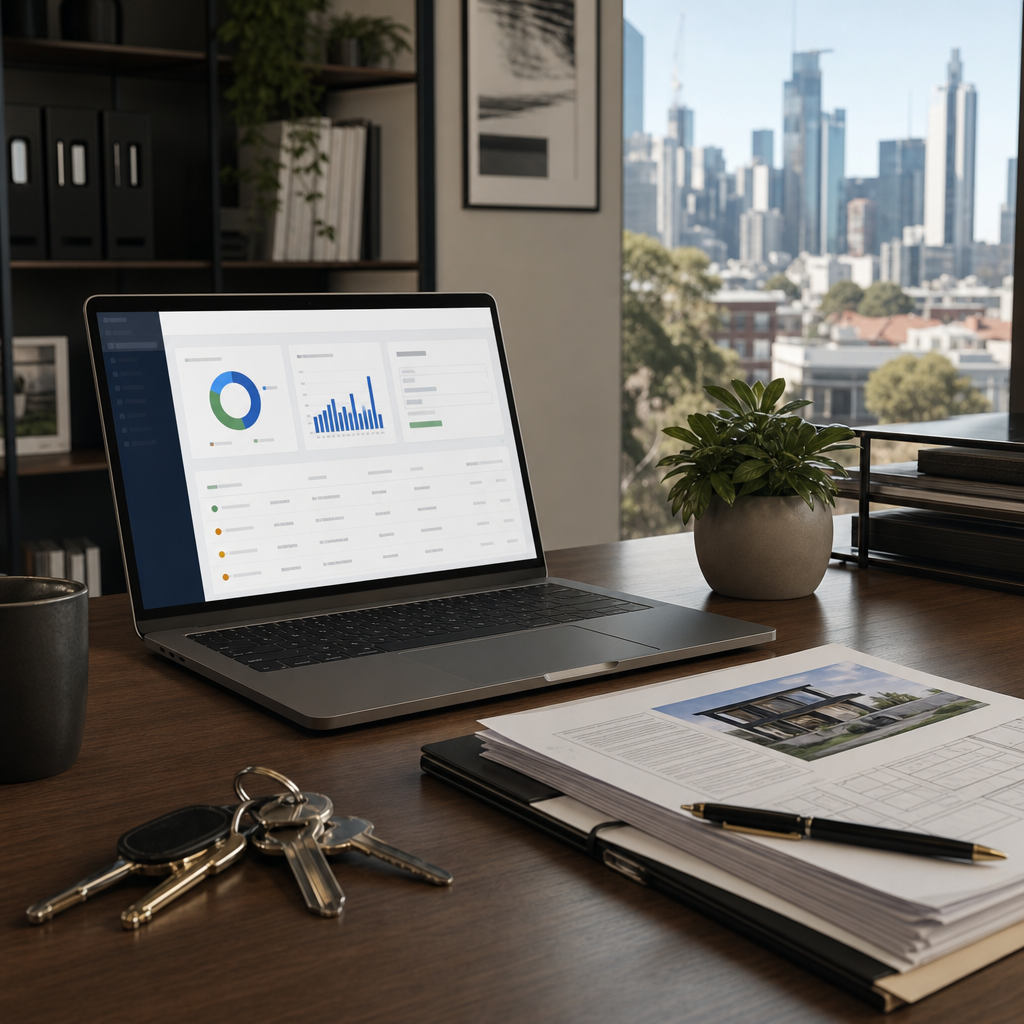
A simple dashboard can help an owner or operations manager answer practical questions:
- Which properties have overdue maintenance?
- Which jobs are waiting for approval?
- How many tasks are scheduled this week?
- Which contractors have not submitted completion details?
- Which repairs have been open for more than a certain period?
- What recurring work is due next month?
This information can be presented as a dashboard, scheduled email or exportable report. The format should match how the business makes decisions, rather than adding another screen that staff must constantly monitor.
Supporting the people using the workflow
A digital workflow will only help if it is easy to use during a busy day. Contractors and field staff may be working outdoors or moving between properties, so mobile access should be considered from the beginning.
Forms should be short, with required fields limited to information the office genuinely needs. Photo uploads should be straightforward. Staff should not need to understand the technical structure of the system to complete a job.
The office workflow also needs clear ownership. Someone should be responsible for reviewing new requests, checking incomplete records and closing completed tasks. Automation can create reminders, but it cannot replace a sensible operating process.
When this approach makes sense
A tailored maintenance workflow may be suitable when:
- Recurring tasks are managed through several spreadsheets or calendars
- Staff regularly search emails for job status
- Contractors submit information in inconsistent formats
- Customers ask for updates that are difficult to confirm quickly
- Follow-up repairs are being missed or delayed
- The business has outgrown a basic shared task list but does not need an enterprise platform
The first step should be mapping the current process, including exceptions such as urgent repairs, tenant access issues and jobs requiring approval. That process map can then guide a focused build rather than creating unnecessary features.
For a small property services business, the benefit is not technology for its own sake. It is a clearer connection between the property, the task, the person responsible and the next action.
Melbourne Digital Solutions can help property services businesses review their current maintenance workflow and design a practical digital solution using custom software, automation, integrations and ongoing application support.